
How to set up a site-to-site VPN tunnel
Link two networks with a peer tunnel and download the remote .ovpn.
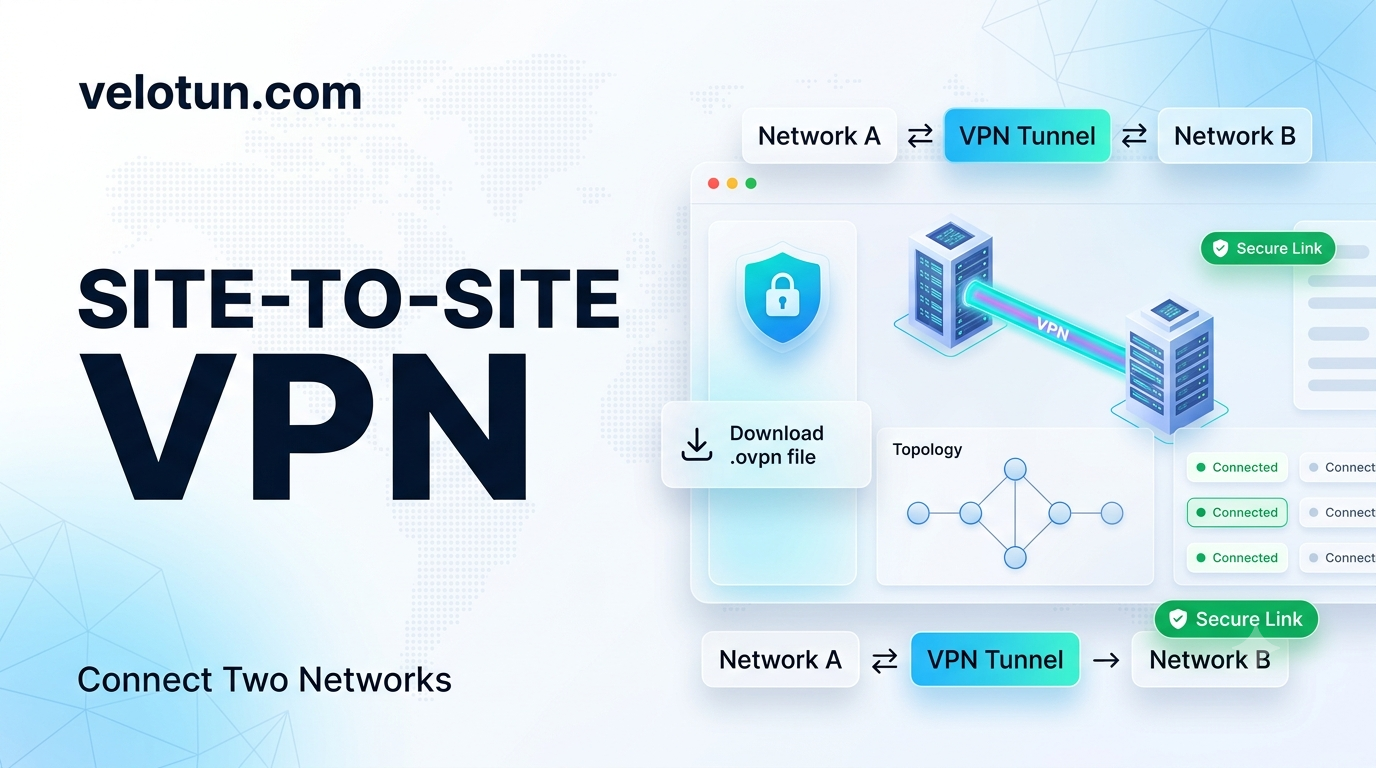
Path: Admin → Network → Site-to-site tunnels.
Create a peer
Fill in:
- Name
- Peer Name (certificate CN)
- Local Subnet
- Remote Subnet
- Tunnel IP (optional)
- Protocol (UDP or TCP)
- Notes, Enabled
Save, enable the tunnel, and download the peer .ovpn for the remote side.
If the Network page asks you to Apply Rules after changes, do that before you test.
Comments (0)
No comments yet. Be the first to leave one.
Leave a comment
Guests can comment. Captcha required. Links are marked nofollow.