
How to read logs and bandwidth reports
Panel logs for activity; Reports for per-client usage. Dashboard totals include deleted users.
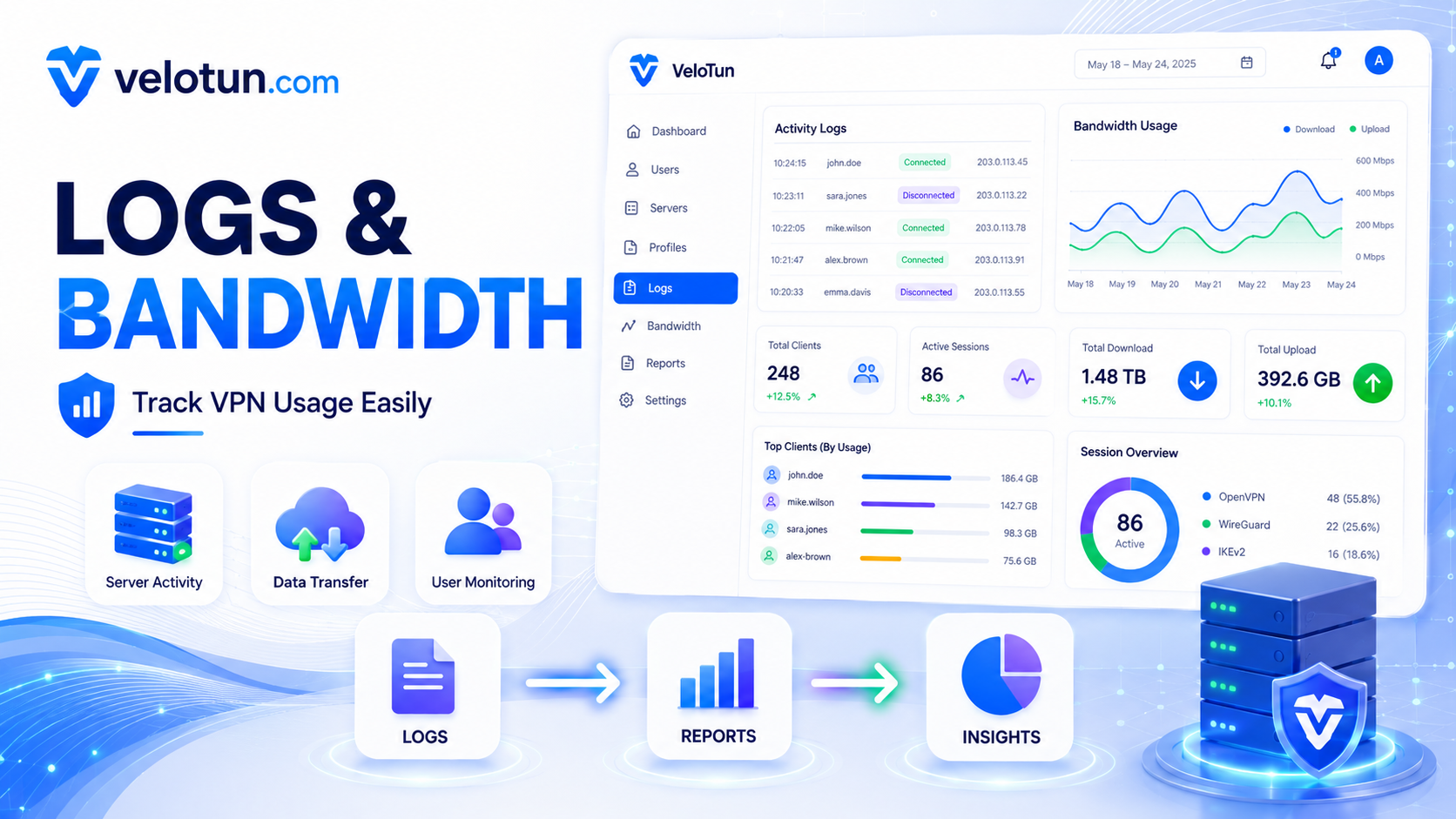
Admin → Logs shows panel activity messages. You can clear them when the list gets noisy.
Admin → Reports breaks down usage per client: used data, limit, sessions, download, upload. Handy for billing checks and spotting abuse.
Dashboard vs Reports
- Dashboard total transfer — overall usage, including archived usage from deleted users.
- Reports — only accounts that still exist.
Comments (0)
No comments yet. Be the first to leave one.
Leave a comment
Guests can comment. Captcha required. Links are marked nofollow.