
How your users download their .ovpn file
Same panel URL, their username and password — then Download or import by URL.
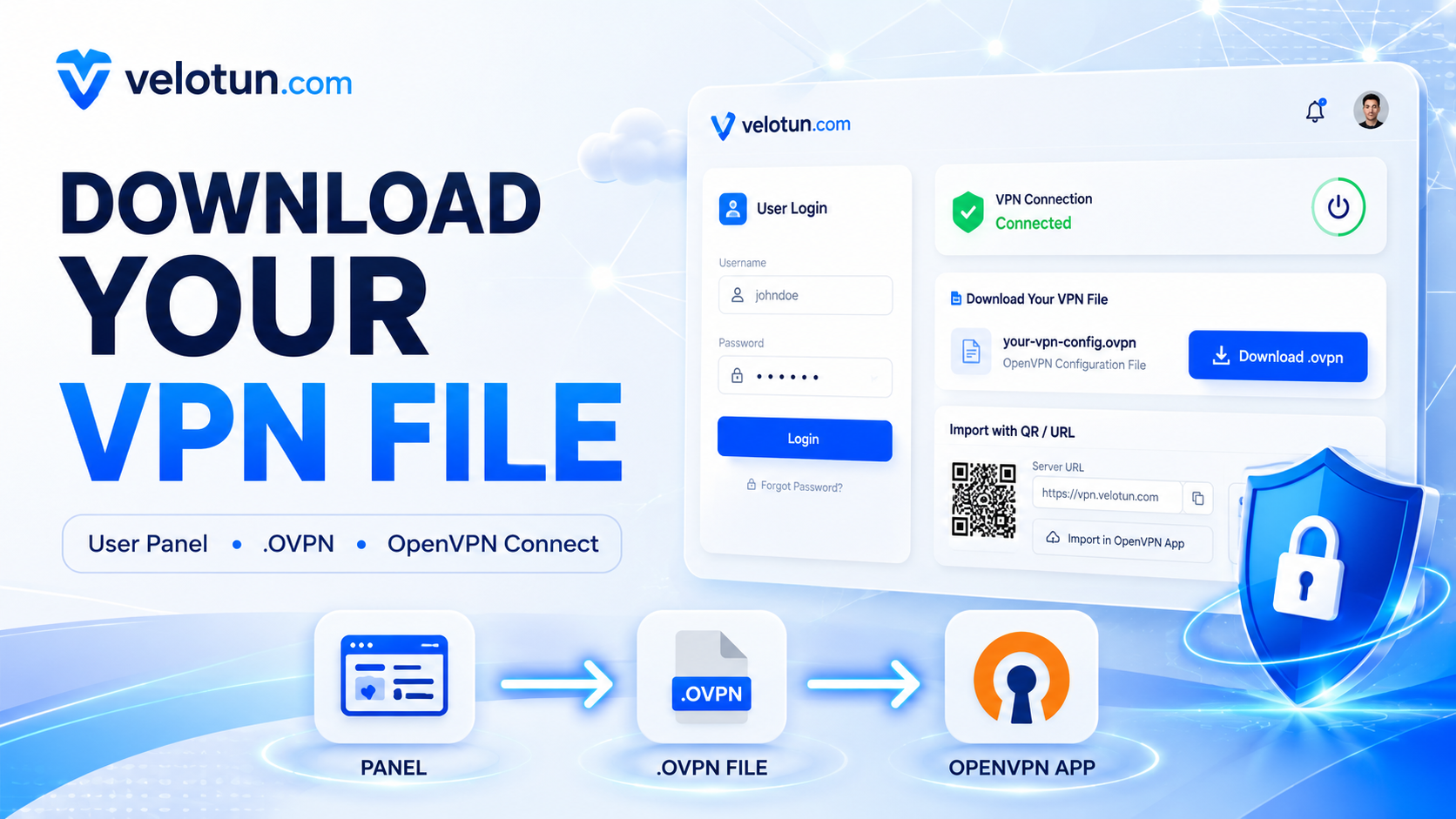
Users do not use the admin login. They open the same panel URL with the VPN username and password you created.
What they can do
- See status, used data, remaining quota, validity, device limit
- Download
.ovpn - Copy the server address for OpenVPN Connect® → Import Profile → URL
- Open in OpenVPN Connect® app (needs HTTPS)
- View recent sessions
They can’t change admin settings or create accounts.
Typical flow
- You create the account and share URL + username + password.
- They open
https://HOST:PORTand sign in. - They download
.ovpnor import by URL in OpenVPN Connect®. - They connect with the same username and password.
OpenVPN Connect® (from OpenVPN Inc.) is a common client for URL import and “Open in App”. Any standard client compatible with OpenVPN® Community Edition can use the downloaded .ovpn file.
Comments (0)
No comments yet. Be the first to leave one.
Leave a comment
Guests can comment. Captcha required. Links are marked nofollow.