
How to backup and restore VeloTun settings
Export portable JSON settings, move them to another server, restore, and let the VPN service restart.
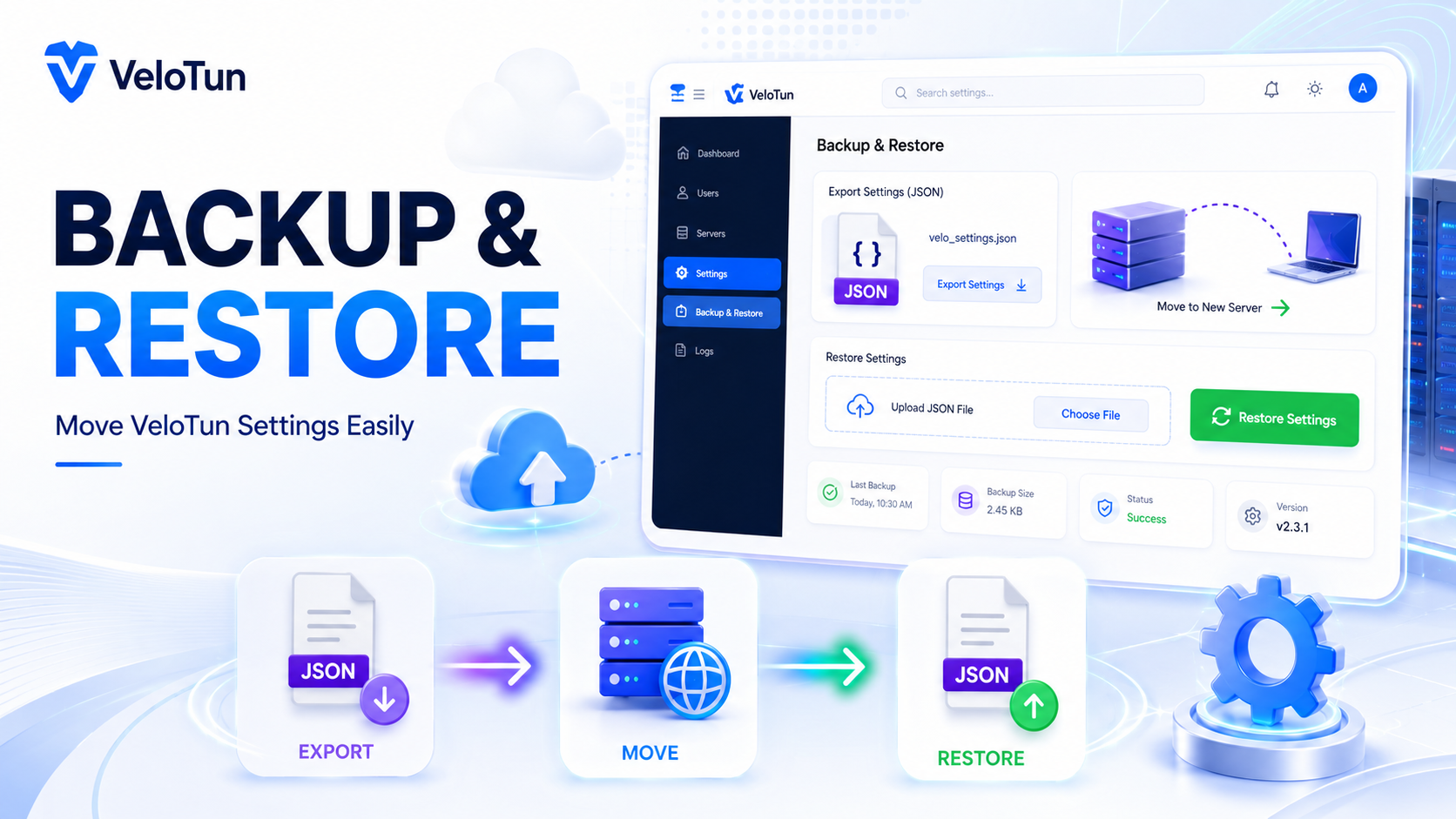
Path: Admin → Backup.
Export
Export Settings saves a portable JSON of panel settings: subnet, ports, devices, DNS, presets/TLS options, and similar. It’s meant so you can move config between servers.
Restore
- Install VeloTun on the new (or same) server.
- Upload a previous export.
- Settings apply and the VPN service restarts.
The history list lets you download, restore, or delete past exports.
What this is not
This is not a full disk image of the database or PKI. Keep admin credentials and your own off-server backups for users and keys.
Comments (0)
No comments yet. Be the first to leave one.
Leave a comment
Guests can comment. Captcha required. Links are marked nofollow.