
How to apply a VPN preset
Switch the active preset under Admin → Preset. The VPN service restarts when you apply.
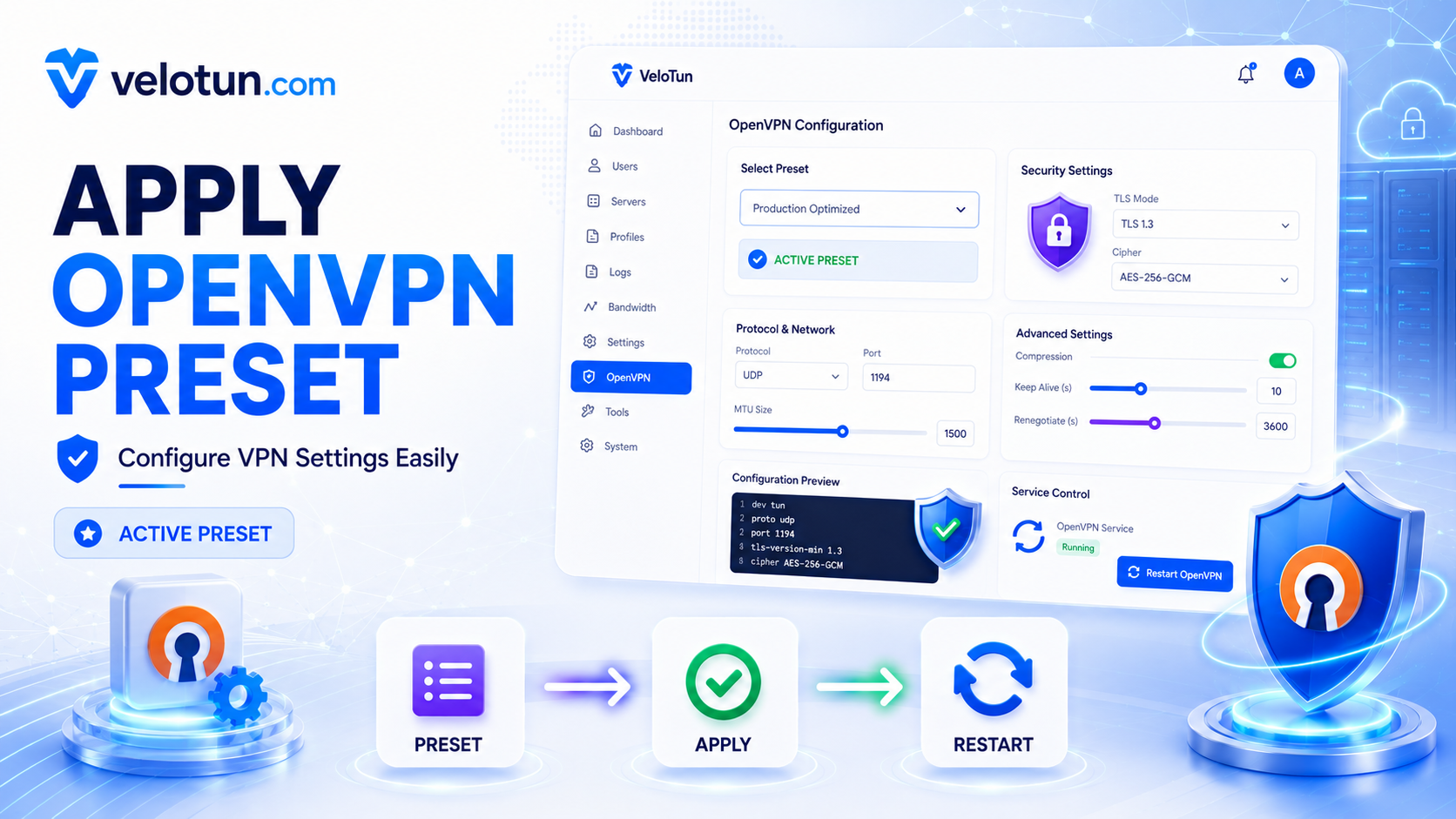
Path: Admin → Preset.
A preset is the OpenVPN® Community Edition option pack for the whole server (cipher, MTU, TLS, compression, protocol preference, and so on).
Apply a preset
- Select a built-in or custom preset.
- Apply / set active.
- Wait for the VPN service to restart.
After a big change, ask clients to re-download their .ovpn.
Custom presets
You can add, edit, or delete custom presets. You cannot delete the one that’s currently active — switch away first.
Comments (0)
No comments yet. Be the first to leave one.
Leave a comment
Guests can comment. Captcha required. Links are marked nofollow.