
How to set up Let’s Encrypt SSL with Certbot
Point your domain at the server, free port 80, then request a certificate from the panel.
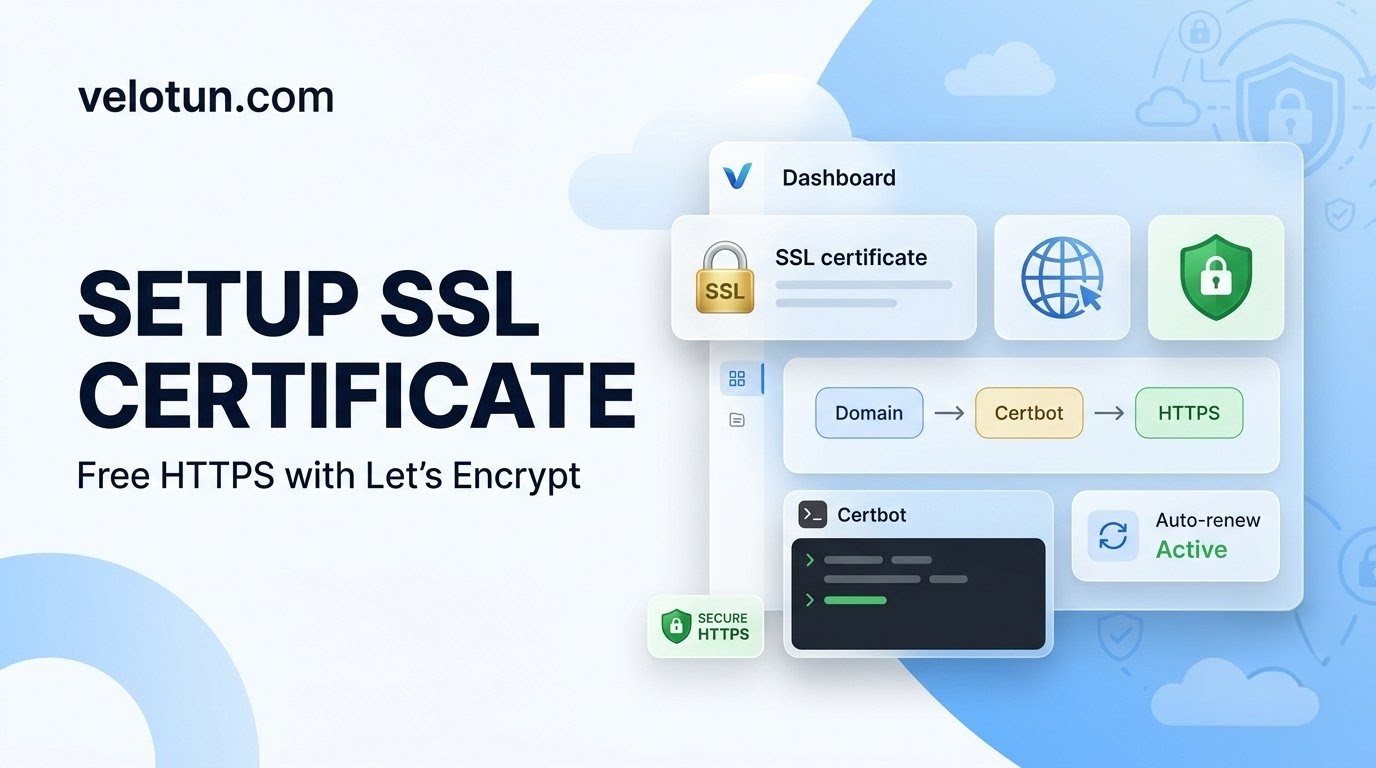
Path: Admin → Settings → SSL with Certbot.
Before you start
- Point the domain’s A record to the server IP shown on the page.
- Make sure port 80 is free for the HTTP challenge.
- Certbot must be installed on the server.
Request the certificate
- Enter domain and email.
- Leave auto-renew on (recommended).
- Click Check prerequisites.
- Click Request Certificate.
On success the panel restarts with the new cert. VPN Server Host is usually updated to your domain.
Need to go back? Use Use self-signed certificate to revert.
Comments (0)
No comments yet. Be the first to leave one.
Leave a comment
Guests can comment. Captcha required. Links are marked nofollow.