
How to set up port forwarding in VeloTun
Forward a public WAN port to an internal IP and port.
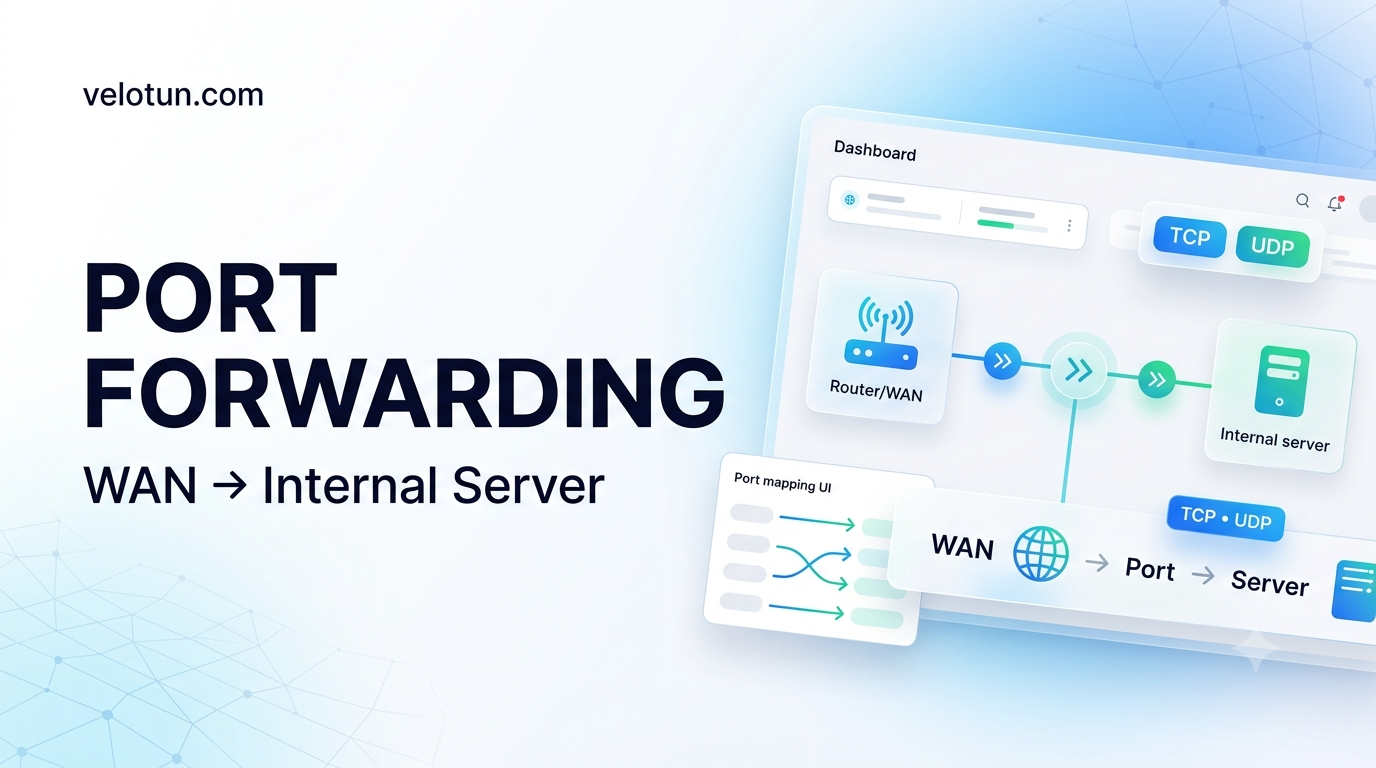
Path: Admin → Network → Port forwarding.
Add a rule
- Name
- WAN Port
- Protocol — TCP, UDP, or Both
- Dest IP
- Dest Port
- Notes, Enabled
Save, then click Apply Rules if the page asks for it.
DMZ Host under Gateway is only the default destination when you add new forwards. Leave WAN interface blank for auto-detect, or set something like eth0.
Comments (0)
No comments yet. Be the first to leave one.
Leave a comment
Guests can comment. Captcha required. Links are marked nofollow.