
How to update VeloTun without losing data
Re-run the installer. Your users, settings, and admin password stay.
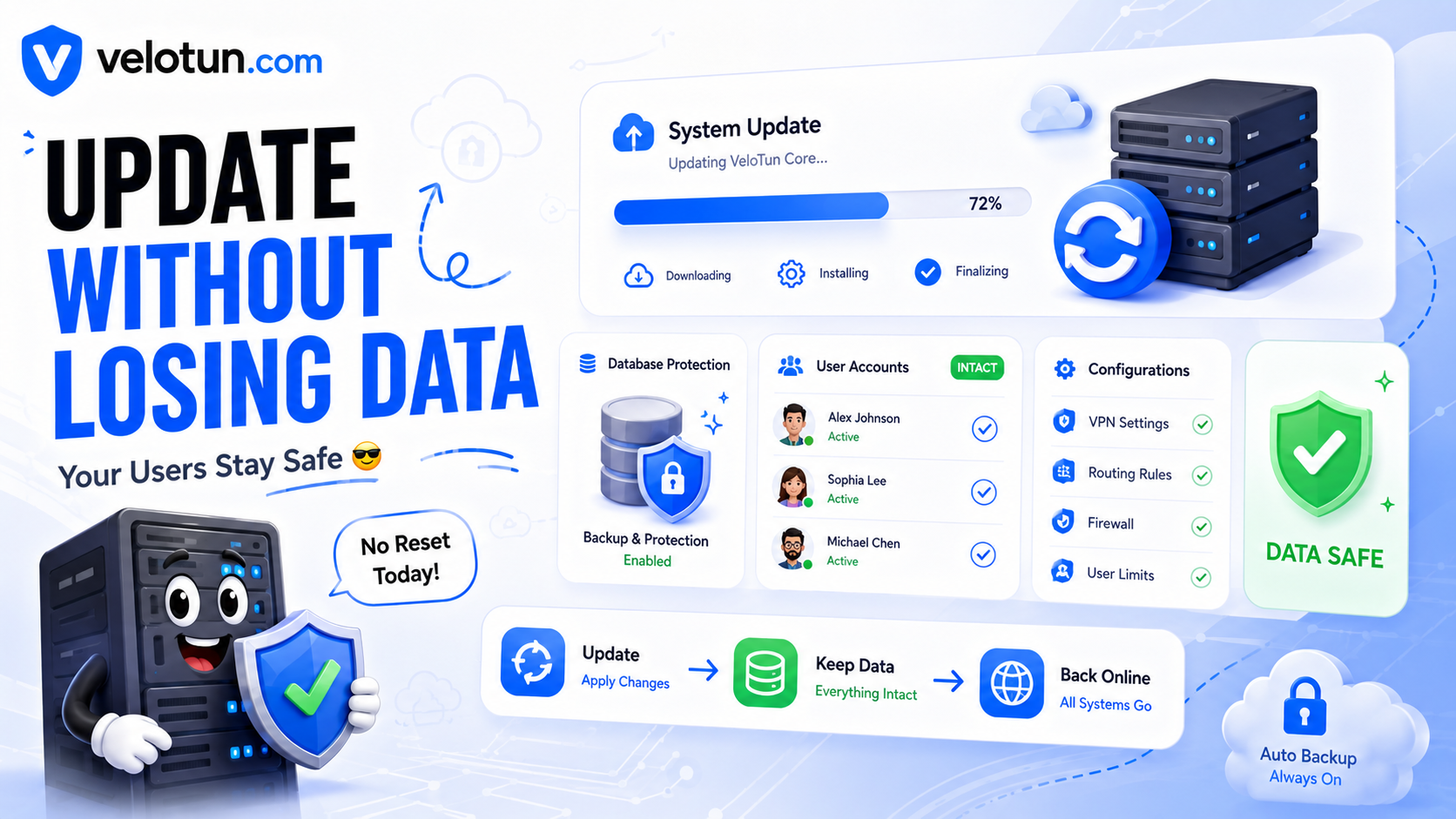
Updating VeloTun is the same command as install. On a server that already has the panel, it only replaces the software.
Update command
curl -fsSL https://velotun.com/install.sh | sudo bashWhat stays
- Database and VPN users
- Admin password
- Settings, presets, DNS, network rules
You do not need to recreate clients after a normal update.
Tip
If you made custom SSL or port changes, check Admin → Settings after the update and confirm the panel still opens on your usual URL.
Comments (0)
No comments yet. Be the first to leave one.
Leave a comment
Guests can comment. Captcha required. Links are marked nofollow.