
How to create a VPN user in VeloTun
Add a client, set limits if you want, then share the panel URL and login.
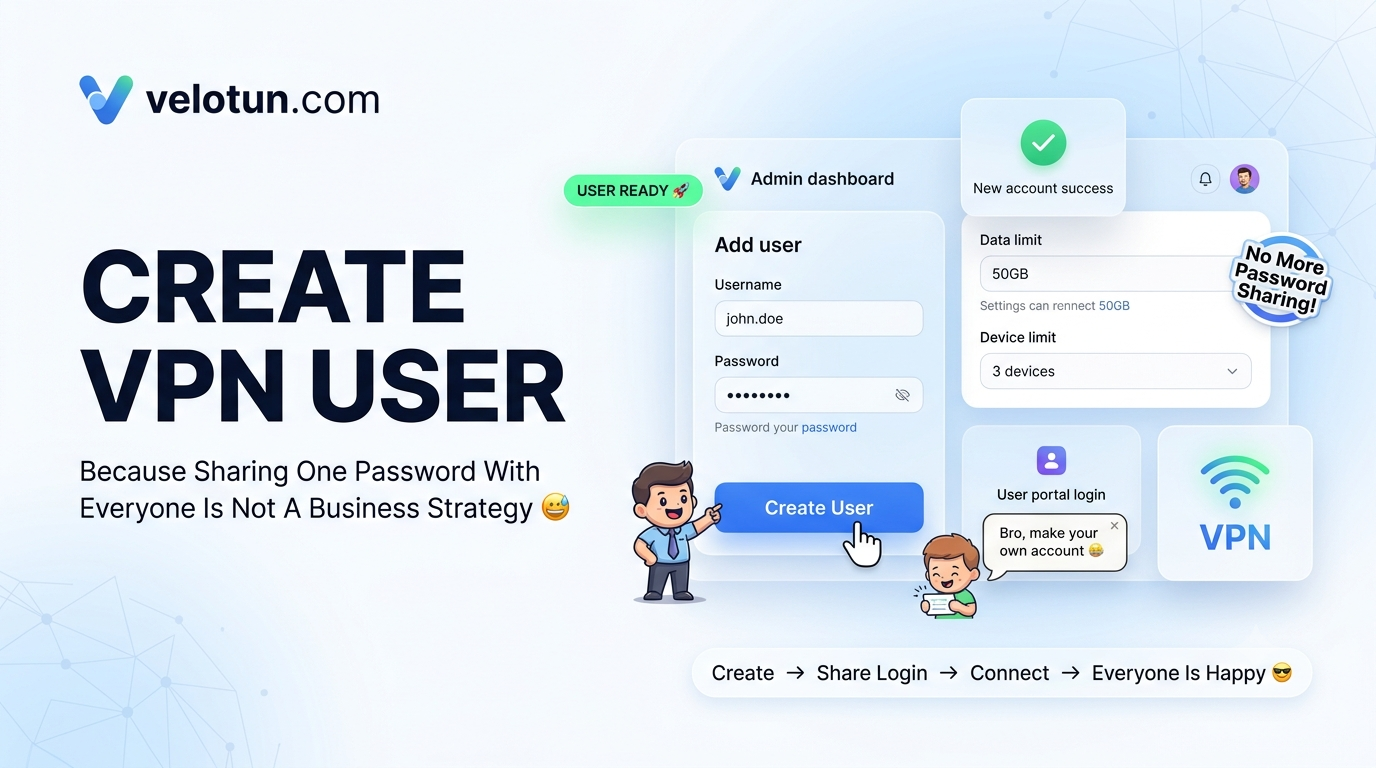
Path: Admin → Clients → All Clients → Add New Client.
Fill the form
- Username — required. Used for the user portal and VPN authentication.
- Password — required for new clients.
- Data Limit (MB) — leave empty for unlimited. When used data hits the limit, the account suspends automatically.
- Valid Until — leave empty for unlimited. After that day, access stops.
- Device Limit — use the default, or pick 1 / 2 / 3 / 5 / Unlimited.
You don’t type a VPN IP. The panel assigns one from your default subnet.
After you save
A “New Account Created” window shows username, password, validity, and limit. Use Copy all, then give the user:
- Panel URL (
https://YOUR_HOST:PORT) - Username and password
They log into the user portal to download .ovpn or import into OpenVPN Connect® (from OpenVPN Inc.).
Comments (0)
No comments yet. Be the first to leave one.
Leave a comment
Guests can comment. Captcha required. Links are marked nofollow.