
First login: choose your VPN preset
After install you must pick a preset for OpenVPN® Community Edition. Here’s what the main options mean.
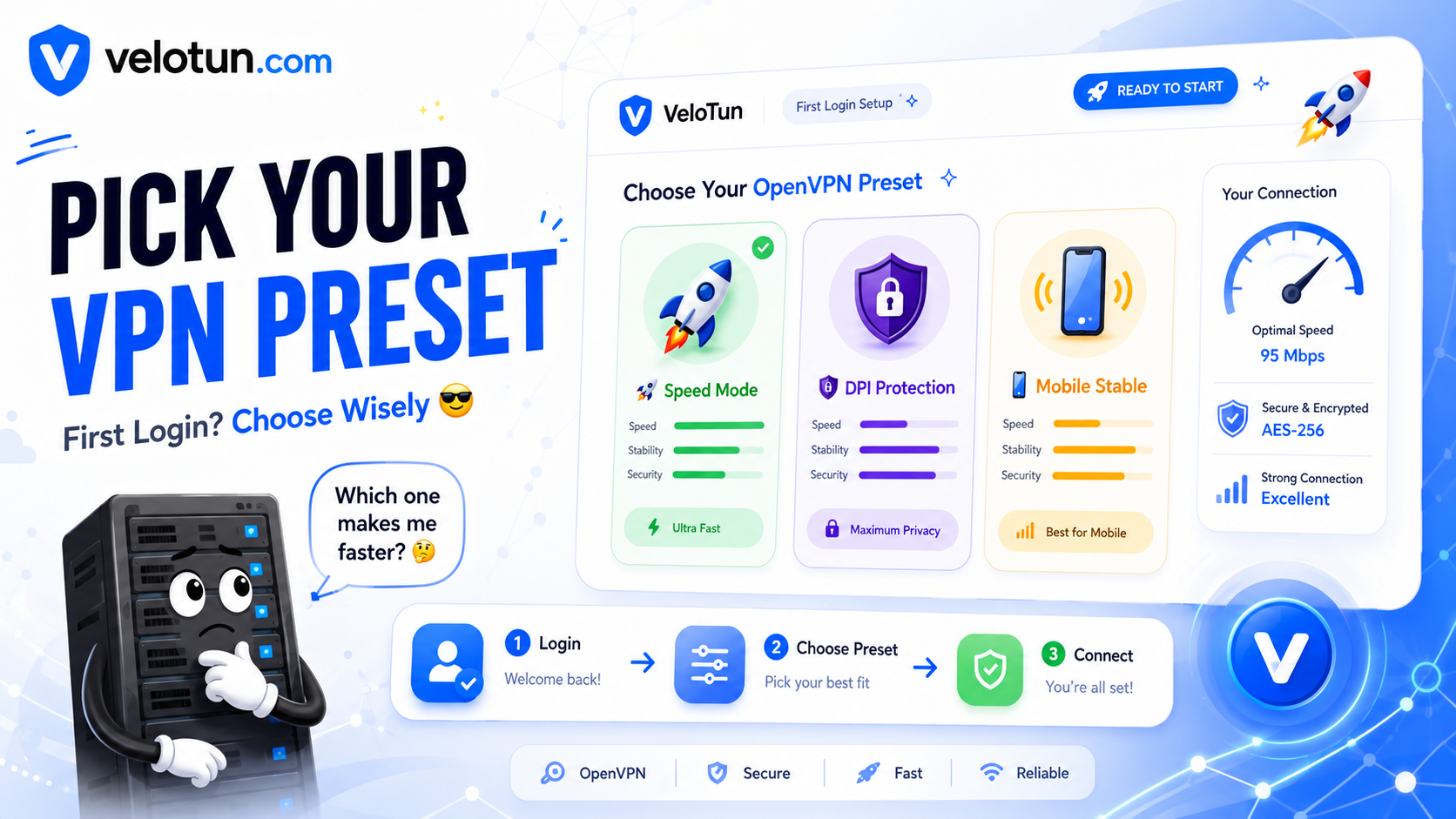
Open your panel URL (HTTPS), log in as admin, and you’ll see a full-screen preset gate. You can’t skip it on first use.
What a preset is
It’s the server-wide OpenVPN® Community Edition option pack: cipher, MTU, TLS, compression, and related options. It shapes how clients connect.
Common choices
- High DPI — heavy filtering / DPI regions
- Medium DPI — moderate filtering
- No DPI — open networks; speed-focused
- Mobile Stable — phones and cellular
There are also specialized ones (Streaming, Low Latency, Free VPN Balanced). Pick the closest match, then Continue / Apply.
Change it later
Go to Admin → Preset, select another preset, and apply. The VPN service restarts. After a big change, users may need a fresh .ovpn.
Comments (0)
No comments yet. Be the first to leave one.
Leave a comment
Guests can comment. Captcha required. Links are marked nofollow.