
How to edit or delete a VPN client
Change password or limits, or remove an account without losing dashboard history totals.
Path: Admin → Clients → All Clients.
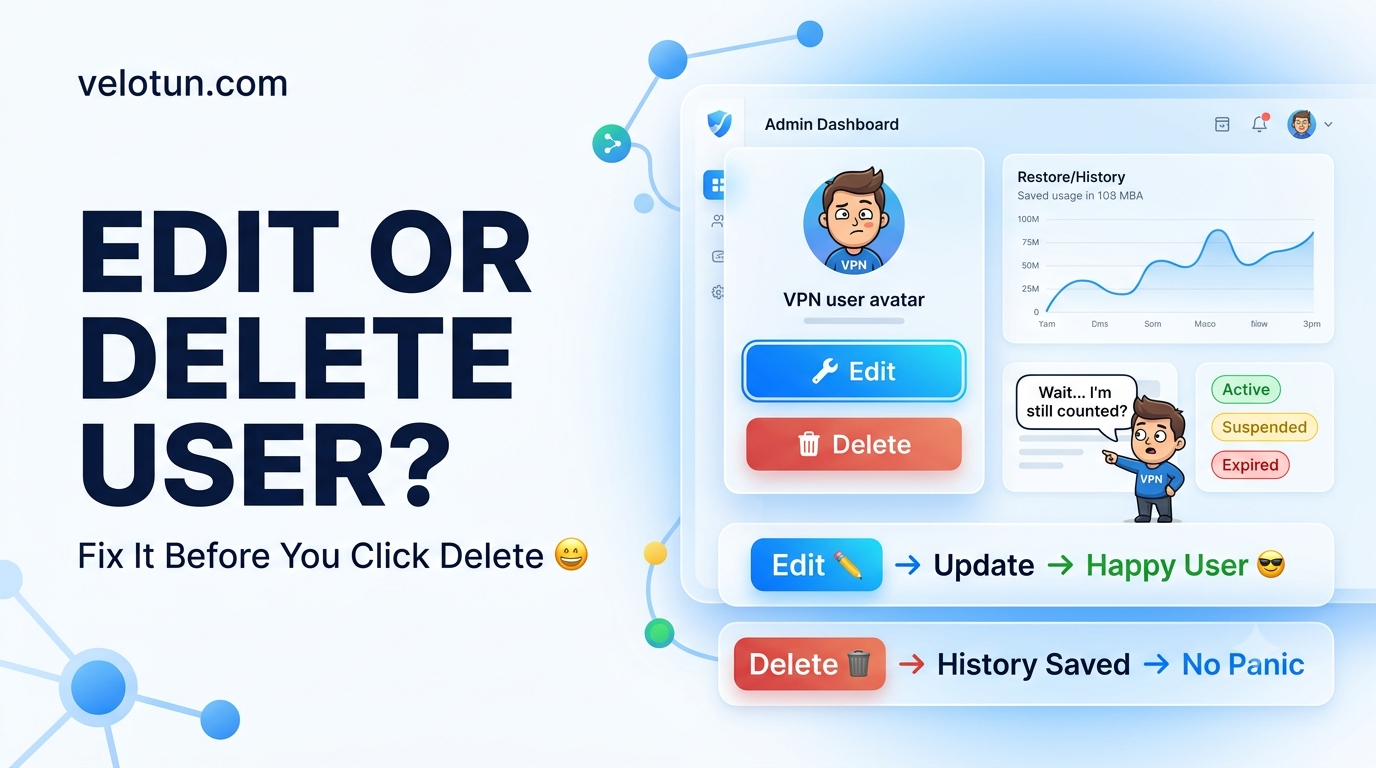
Edit a client
- Click Edit on the row.
- Change password, data limit, validity, or device limit.
- Leave password blank to keep the current one.
- Save.
Delete a client
- Click Delete and confirm.
- The account and certificate access are removed.
Total transfer on the dashboard still keeps archived usage from deleted users. Per-client Reports only show accounts that still exist.
Status labels
- active — can connect
- suspended — banned, over quota, or blocked by validity rules
- expired — valid-until date has passed
Comments (0)
No comments yet. Be the first to leave one.
Leave a comment
Guests can comment. Captcha required. Links are marked nofollow.