
How to change the VeloTun panel port
Move the admin/user HTTPS panel to a new port. The panel restarts for you.
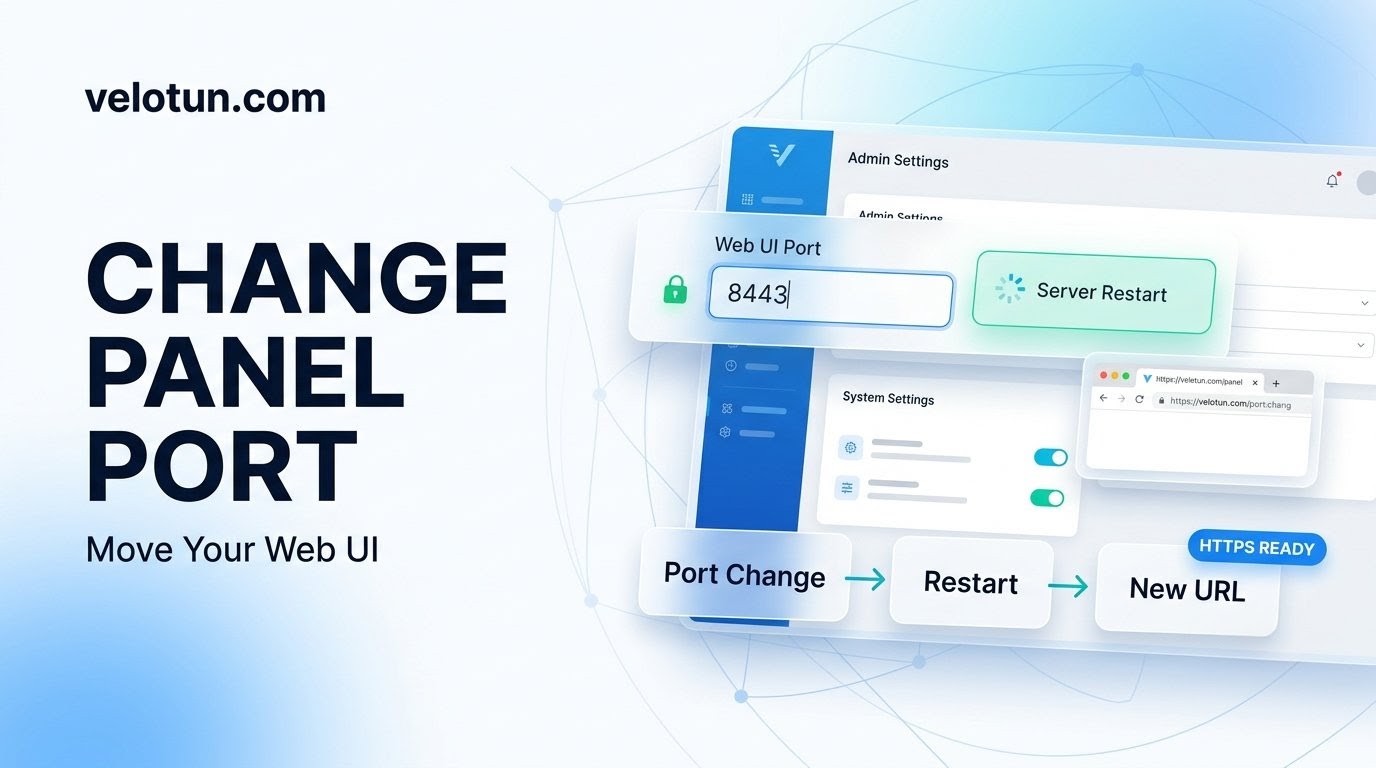
Path: Admin → Settings → Web UI.
Steps
- Set Web UI Port to the port you want.
- Optionally set SSL certificate and private key paths.
- Save.
What happens next
The panel restarts through systemd. Wait for the loading animation, then open:
https://YOUR_HOST:NEW_PORTBookmark the new URL so you don’t keep hitting the old port.
Comments (0)
No comments yet. Be the first to leave one.
Leave a comment
Guests can comment. Captcha required. Links are marked nofollow.