
How to change VPN ports and subnet
Set UDP/TCP listen ports, default subnet, and VPN host from VPN Defaults.
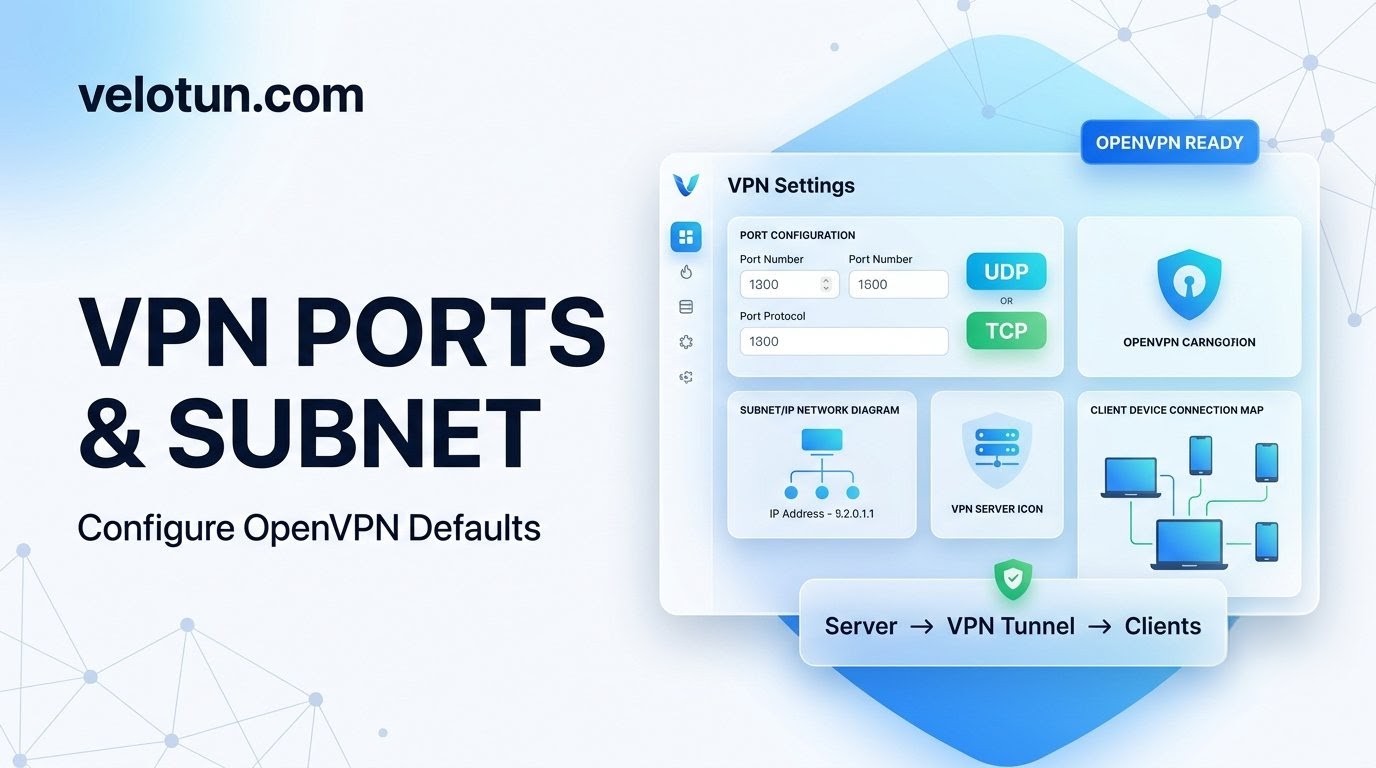
Path: Admin → Settings → VPN Defaults.
Settings that matter here
- Default Subnet — pool for client VPN IPs.
10.8.0.0/16is a common choice. - VPN Server Host / IP — written into client
.ovpnremote lines. - UDP Ports — comma-separated, e.g.
443,5441,6541. - TCP Ports — comma-separated, e.g.
443,8081,9092. - Default Max Devices — default for new clients when you leave Device Limit empty (
-1= unlimited).
After you save
The VPN service restarts so the new ports/subnet apply. Connected clients drop for a moment.
Changing only the VPN host does not require a restart; it mainly affects new profile downloads.
Comments (0)
No comments yet. Be the first to leave one.
Leave a comment
Guests can comment. Captcha required. Links are marked nofollow.